




Part ofClaude AI Features: The Complete Overview
The Claude mobile app for iOS and Android — how to download it, sign in, use voice, photo upload, and share-to-Claude, and sync with the web and Projects.
In This Article
8 sectionsThe Claude mobile app is Anthropic's official iOS and Android client, free to download from the App Store and Google Play. It runs Claude Sonnet on the free tier, adds voice conversations, photo and PDF upload, and share-to-Claude, and syncs every chat, attachment, and Artifact with the web and desktop so a conversation follows you between devices.
We use it as a second screen for Claude all day — dictating a prompt while walking, snapping a photo of a whiteboard, finishing on the laptop what we started on the train. Below is the practical guide: how to install and sign in, what the Claude mobile app actually does, where iOS and Android differ, how syncing works, and the free-plan limits that trip people up. This page is part of our Claude AI Features overview, which maps the whole product.
What the Claude mobile app is (and isn't)
The Claude mobile app is a native client for the same Claude you use at claude.com — not a stripped-down companion. You get full chat, file and image analysis, Artifacts, Projects, Memory, and web search, plus phone-only extras like voice and camera capture. The iOS app first shipped in May 2024; the Android app followed weeks later, and both have tracked the web feature set closely since.
What it isn't: a place to run Claude Code. Agentic coding lives in the terminal, IDE extensions, desktop app, and web — not the phone. And like every Claude surface, the app does not generate images; it reads and analyzes them extremely well, but photorealistic creation needs a separate tool.
How to download the Claude app and sign in
Getting started takes under two minutes. To download the Claude app, search "Claude by Anthropic" in your store or go to the official download page, which links straight to both listings.
- Install. On iPhone or iPad, open the App Store; on Android, open Google Play. Confirm the publisher is Anthropic before you tap install — impostor "Claude" apps exist.
- Open and sign in. Use the same email, Google, or Apple account you use on the web. Sign in with an existing account and your history appears immediately; there's no separate mobile account.
- Confirm and grant permissions. Verify your email if prompted, then allow microphone access (for voice) and camera/photo access (for uploads) when the app asks. You can skip these and enable them later in settings.
- Type your first prompt. The chat box works exactly like the web. Send a message and you're running Claude on your phone.
Because sign-in is shared, the Claude iOS app and the Claude Android app are just windows onto one account. Log in on a new phone and every past conversation is already there. If you're brand new to the assistant entirely, our how to use Claude AI walkthrough covers the basics of prompting before you go mobile.
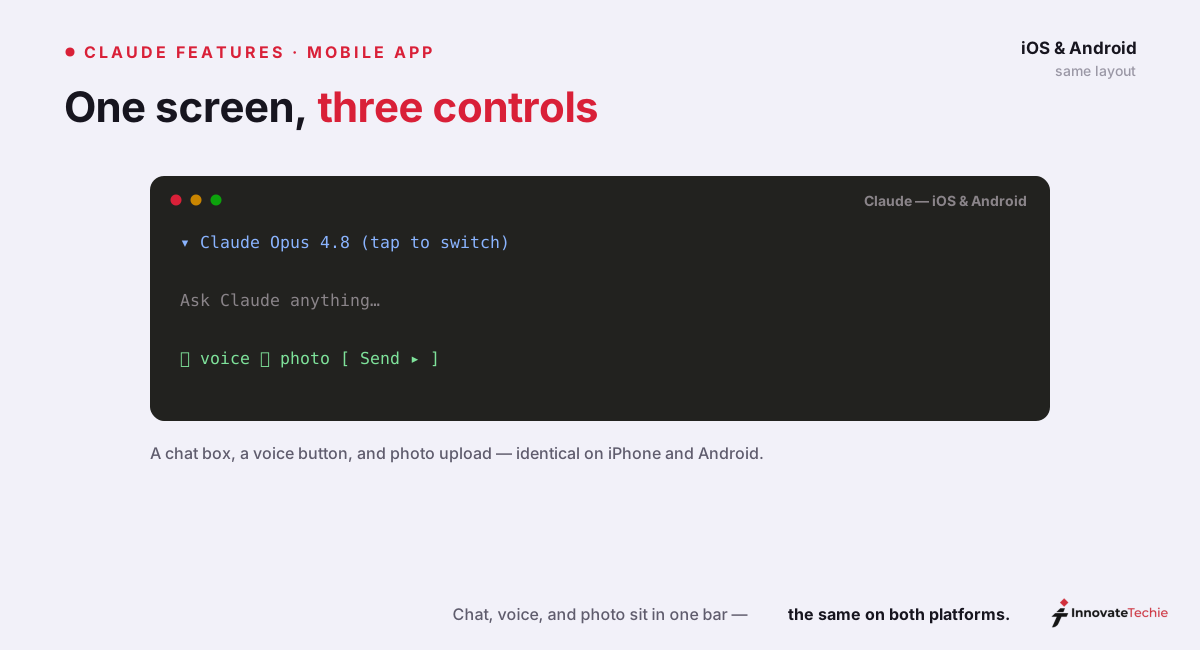
Claude mobile app features at a glance
Here's what the Claude app can do from your pocket. Most of it mirrors the web; the last three rows are where the phone earns its place.
| Feature | What it does on mobile | Notes |
|---|---|---|
| Chat | Full text conversations with Claude Sonnet or, on paid plans, Opus | Identical to the web experience |
| File & document analysis | Reads PDF, DOCX, CSV, TXT, HTML, RTF, EPUB, JSON, and images | Upload from Files or cloud storage |
| Photo upload & vision | Analyzes photos and screenshots — extract text, read charts, evaluate a UI | Covered in depth in Claude Vision |
| Voice mode | Hands-free spoken conversations, five selectable voices | Speak and hear replies; switch to text mid-chat |
| Artifacts | View and iterate on documents, code, and mini-apps | Renders in a panel, syncs to web |
| Projects & Memory | Persistent workspaces and cross-chat context | See Claude Projects and Claude Memory |
| Camera capture | Take a new photo and send it straight to Claude | Phone-only; great for whiteboards and receipts |
| Share-to-Claude | Send text, links, or images from any app via the share sheet | The fastest way to ask about something you're reading |
| System app actions | Draft messages and emails, create events, set alarms | Deepest on Android (see below) |
Voice deserves a word of caution. It works — you tap the voice button, speak, and Claude answers aloud in one of five voices (Buttery, Airy, Mellow, Glassy, and Rounded) — and it's handy for hands-free use in the car or kitchen. Anthropic documents the full setup in its official voice mode guide. But it's the least mature feature here; if fluid voice is your primary interface, temper expectations.
iOS vs Android: what differs
The core Claude mobile app is the same on both platforms, but each taps its OS in different ways. This is the table we wish we'd had when deciding which phone to keep it on.
| Capability | Claude iOS app | Claude Android app |
|---|---|---|
| Chat, voice, vision, files | Yes | Yes |
| Widgets | Home Screen, Lock Screen, Today View | Home screen widgets |
| Shortcuts & automation | App Intents + Shortcuts; "Ask Claude" action | Deep system-app integration |
| Quick access | Lock Screen, Control Center, Action Button | Share sheet, assistant integration |
| Draft messages / emails | Via Shortcuts and share sheet | Native — drafts in WhatsApp, Slack, email |
| Calendar, alarms, location | Via Shortcuts | Native — create events, set alarms, map places |
| Health data | Limited | Health Connect (Pro/Max, US, Android 14+) |
On iOS, the standout is automation. The Claude iOS app supports App Intents, Shortcuts, and Widgets, plus Lock Screen, Control Center, and Action Button access. On an iPhone 15 Pro or later you can map the physical Action Button to an "Ask Claude" shortcut and start talking with one press, or say "Hey Siri, ask Claude" to trigger it by name.
On Android, the standout is system reach. The Claude Android app connects to your other apps to draft and send messages, compose pre-filled emails, check your calendar and create events, set alarms and timers, and pull up locations on a map — no copy-paste. It asks permission contextually (Allow once, Always allow, or Don't allow), and you manage everything under Settings, Apps, Claude, Permissions.
Syncing your phone with the web, desktop, and Projects
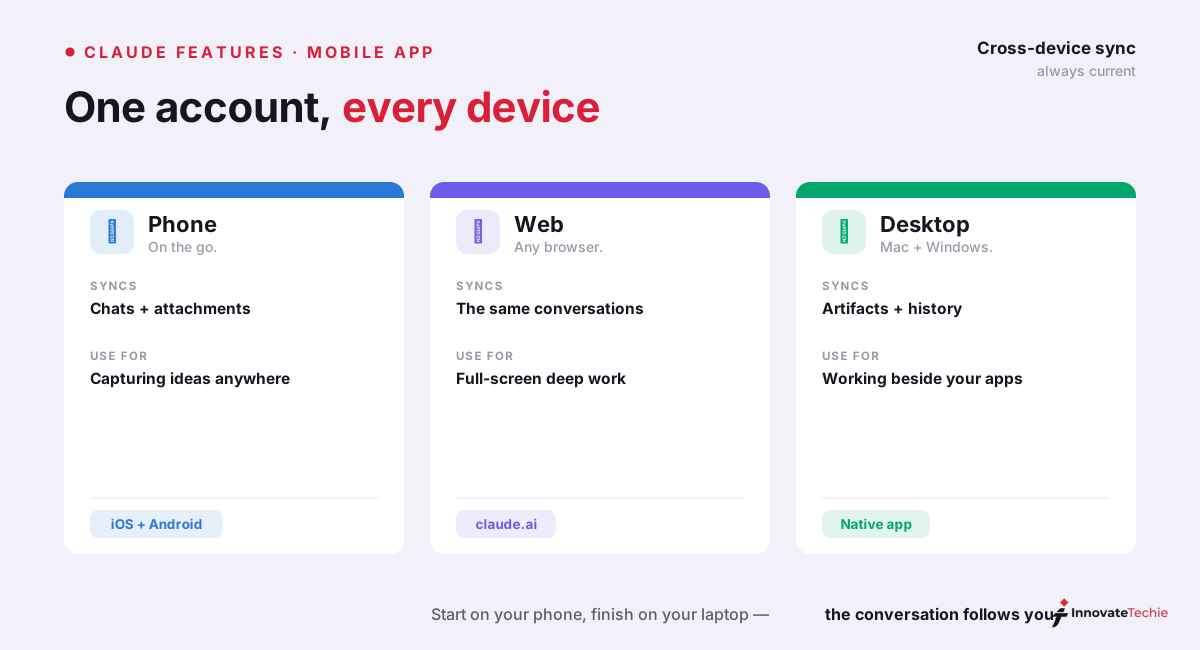
This is the feature that makes the Claude mobile app worth installing even if you mostly work on a laptop: everything syncs through your account, automatically. Start a conversation on the phone during your commute and it's waiting on your desktop when you sit down — same context, same attachments, same Artifacts.
Concretely, these all cross devices:
- Conversations and context — full message history, in real time, across web, iOS, Android, and desktop.
- Attachments — a PDF you uploaded on your laptop is readable in the same chat on your phone.
- Artifacts — a document or mini-app Claude built stays editable wherever you open the thread.
- Projects and Memory — your workspaces, knowledge files, and remembered context are account-level, so they're identical everywhere.
There's no "sync" button and no export step; it just works. The one thing to know is that incognito chats are deliberately excluded — they leave no trace and won't appear on your other devices, which is the point.
Free plan limits and when to upgrade
The Claude app is free to download and free to use, and the free tier runs Claude Sonnet — Anthropic's fast, capable default model (currently Claude Sonnet 5). The catch is throughput: the free plan uses a session-based limit that resets roughly every five hours, and the exact number of messages you get varies with overall demand. Heavy users hit that ceiling by mid-morning.
Paid plans lift the caps and add Claude Opus 4.8, the deep-reasoning flagship, plus Memory and higher usage. Pricing on mobile matches the web (Apple and Google may add a small in-app-purchase premium, so subscribing on claude.com is often cheaper):
| Plan | Price | What you get on mobile |
|---|---|---|
| Free | $0 | Claude Sonnet, voice, vision, files, Artifacts — session-capped |
| Pro | $20/mo | ~5× usage, Claude Opus 4.8, Memory, priority access |
| Max 5x | $100/mo | 5× Pro usage for heavy daily work |
| Max 20x | $200/mo | 20× Pro usage — enough to default to Opus all day |
Our rule of thumb: stay free until you hit the five-hour wall more than once a week, then move to Claude Pro. If you're leaning on the app for real work all day, the higher Claude Max tiers stop the throttling entirely.
Five practical tips for the Claude mobile app
A few habits that made the Claude mobile app genuinely useful for us rather than a novelty:
- Wire up share-to-Claude first. From any browser, email, or PDF, hit Share and pick Claude — it's faster than copy-pasting and it carries the source along.
- Use the camera for the physical world. Snap a menu, a serial-number label, a handwritten note, or an error on a coworker's screen, and ask Claude to read or explain it.
- On iPhone, map the Action Button. One press to a voice prompt is the shortest path from thought to answer.
- Start rough on mobile, refine on desktop. Dictate a messy idea by voice on the go; the thread syncs, so you polish it later with a keyboard.
- Keep sensitive work in a Project. Projects sync too, so your standing instructions and reference files travel with you instead of being re-pasted each session.
The Claude mobile app is best understood as the same Claude with a camera, a microphone, and your OS's automation bolted on. Treated that way, it's less a smaller app than a different set of hands.
For example, we photographed a whiteboard on the phone, asked Claude to turn it into a task list, then opened the same chat on the desktop app 2 minutes later — fully synced.
Claude pricing at a glance
| Plan | Price |
|---|---|
| Free | $0 |
| Pro | $20 / month |
| Max | from $100 / month |
| API | Pay per token |
For the full breakdown of every plan, see our how much Claude costs guide.
Frequently Asked Questions

Written by
InnovateTechie
Writing about Claude and the Anthropic toolkit — models, Claude Code, pricing, features, and fixes, in clear, practical, hands-on guides tested by daily use.
View all posts →